Join the discussion
Write your take first — we'll ask for email only when you're ready to publish.
- Hacker News
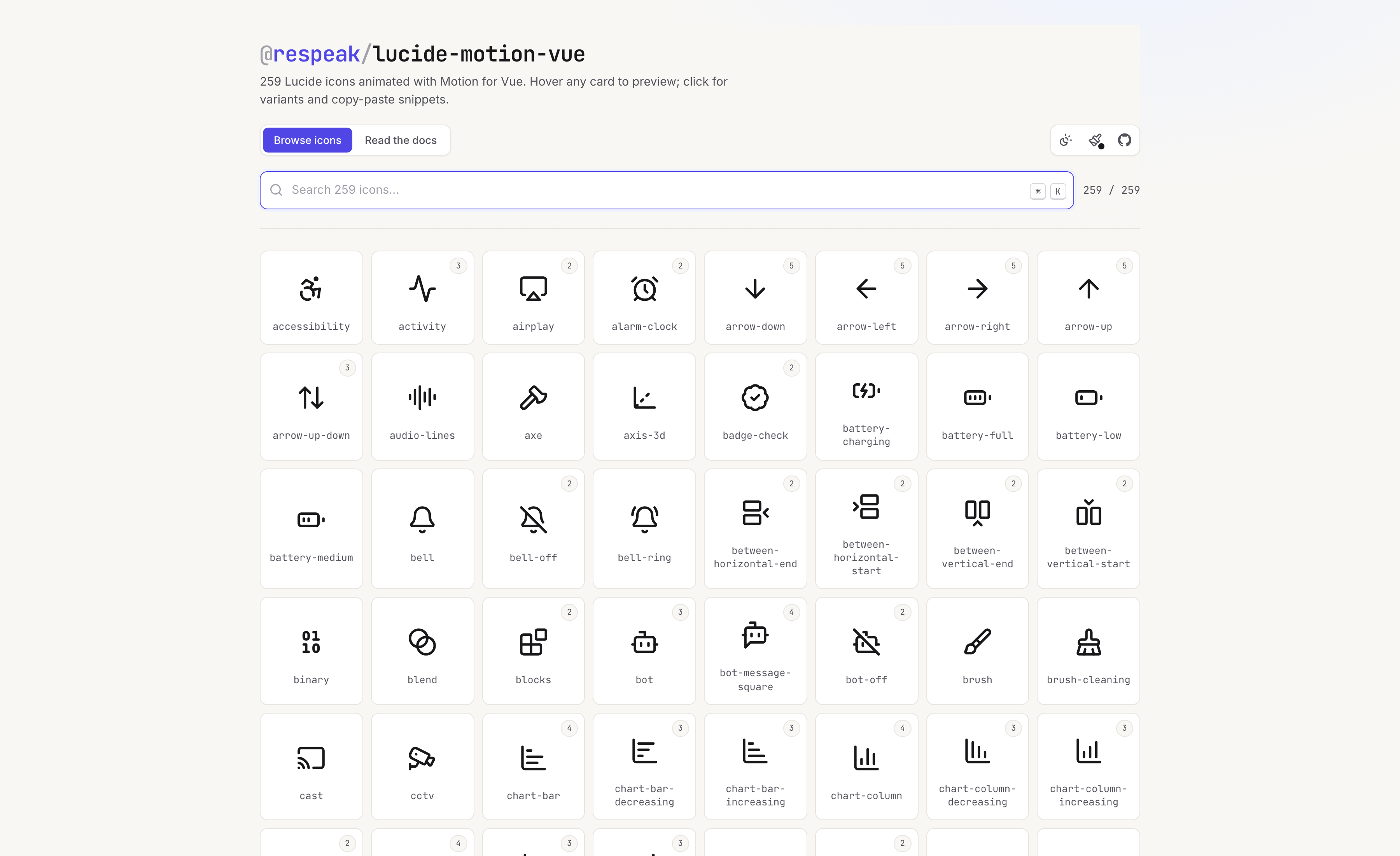
- That's awesome. I wish there was like a "raw code" option like on many icons sites you can just copy the SVG.
- Nit on the page itself: let me use my back button after opening an icon instead of having to reach up for the close button.
When I hit back and get returned here when I wanted to check out other icons made me not go back to check out others.
by jodacola - Most of the animations so far are ported from pqoqubbw/icons and github.com/imskyleen/animate-ui, I'm planning to add more complex / meaningful animations as new variants in the future :) always happy to know which icons are most relevant for that.by evolabs
- Some of the animations are really good and make sense based on the icon.
Others just draw the SVG path or wiggle/bounce a bit.
If I were the creator here I might differentiate this into two buckets: custom animation or not. And then allow the generic animations to be applied to any of them.
by jasonjmcghee - Can't these just be done as SVG hover transitions? Then you have the option to use them inline with no JS.
- Follow-up based on your feedback: I added a no-JS "copy as code" option for variant that produce faithfully in plain CSS, some things dont work like this as mentioned before, but atleast many icons & animations can now be used even without the lib. Also fixed the mobile Back button. Thanks for the feedback!by evolabs
- I like the idea
Some examples need more work i think
"Database backup" has circular arrow spinning backwards
"Earth" shows lines being drawn -- instead i expected it to show an abstract spin of the globe
"Droplet" animates the outline draw. Expected a droplet that starts small and descends to become full size.
Same with "flame" -- should ideally be an animated flame licking up / whisps
"Copy" and "File Stack" -- the animation shown should ideally be reversed i think
"Git-branch" -- animation is wrong, doesn't show branching -- just drawing nodes and lines.
"Hand-grab" -- should start with open palm and then the grab.
Same with "hand-fist"
Many animations are simple zoom/enlarge - like those on right angle arrows are not serving a purpose
by albert_e