Join the discussion

Write your take first — we'll ask for email only when you're ready to publish.

  • Hacker News
  • Also see this classic:

    https://github.com/alex/what-happens-when

    "What happens when you type google.com into your browser's address box and press enter?"

  • Fine, but what is the journey of the p99.9 900ms request?
  • I'm surprised at all the "200ms is slow" comments. I make many purchases online, don't we all? I can't remember the last time one took sub 1000ms; they usually take several. What are some of the websites you purchase from that truly complete a purchase in sub-200ms?
  • > "The internet"

    Classic software engineer perspective.

    I have good friends who build their entire career between "ISP" and "Load Balancer"

  • I'd be impressed with a touchpad and OS that can go from an actuation to a userspace process receiving a click event in 1.2ms. I'd expect something more like 10x that. My understanding is that most hardware samples between 90-130Hz, and even premium hardware only samples at 250Hz which would average 2ms before the kernel is aware.
  • chrome can detect my 1000hz polling mouse, but i bet there must be a buffer somewhere.
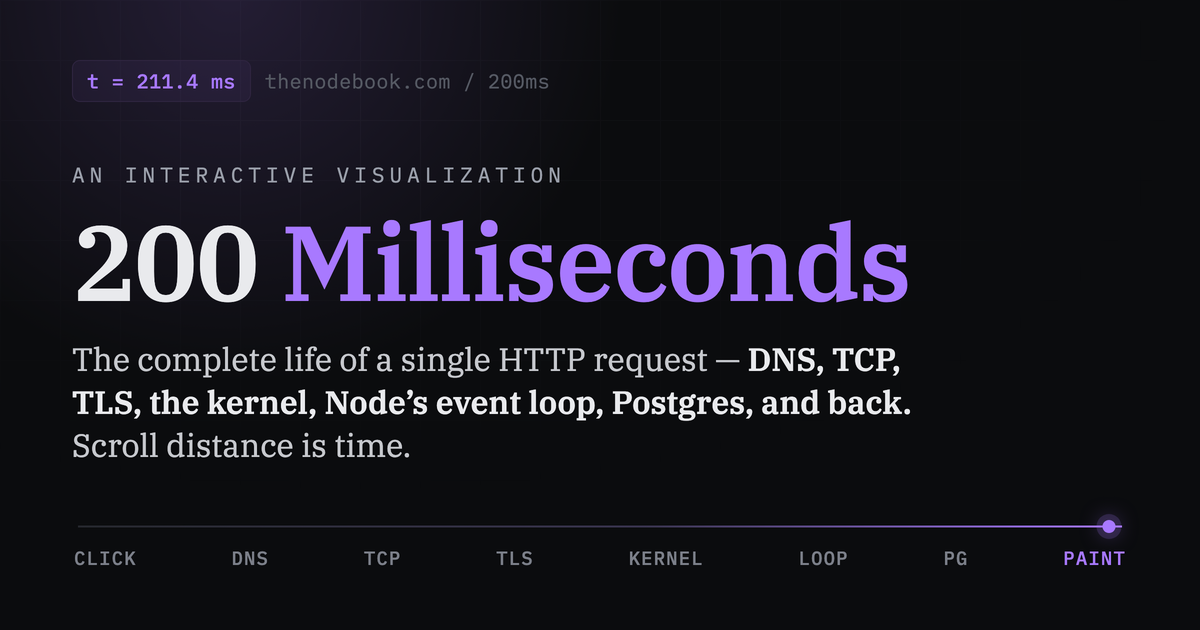
  • > Violet marks the data as it moves, always top to bottom. Nothing else on the page uses that color.

    Proceeds to use that color for tooltips, text color, headers, and more

    This was a really cool visualization but that ^ bothered me way more than it should have.

  • This is magnificent!

    Gave me roller-coaster ride across 40 years of gathering knowledge about computers and networks.

    I'm very jealous of whoever created that. Well done!

  • I once asked a question like this for an interview. "Tell me what happens when you press the Buy button on a web site". It really helped me gauge a sense for the person's interests and expertise. Like some folks just talked about javascript and some node code. Others talked about tcp a bit, some got into cloud stuff. It was really telling. Not bad or good, just a great way to learn where someone's head is at and was a fun back-and-forth conversation.

    This web site is basically a cheat code for that question lol. So well done, kudos to the author. Bookmarked and shared

  • While I also enjoyed it very much, some thing are strangely ordered and not how I would expect someone with such knowledge of all the moving parts in a request, would build such a site. So for me it feels like an LLM has build it and the human with the prompt saw it and said "eh, good enough".
  • You are not jealous. You are envious.

    Homer explains it best https://youtu.be/Tmx1jpqv3RA

  • >touchpad controller

    >capacitance dip → interrupt raised

    >hid driver report: x 512 · y 288 · button 1 down

    >...

    >One millisecond in, the click has passed through four pieces of software and nothing has left the laptop.

    I'm going to press X to doubt.

    There's no way you're getting from "finger touching glass" -> "chrome seeing a click" in one millisecond. Heck, I know for a fact that even the cap touch controller isn't going to be that quick.

    I would believe it's closer to 40-50ms, E2E. Even if the captouch was instantaneous, 1ms latency latency is in the realm of RTOS, not a general-purpose OS feeding a bloated app like chrome.

  • 1ms latency is too much for RTOS, from ISR to the app code should be less than 1ms

    but bloated OS ? i have no idea

  • Am I crazy if for something like an online purchase, I kind of expect it to take a second or two to process the payment, so I would assume something went wrong if it was 200ms?
  • I agree that purchases on e-commerce sites are virtually never this fast; but I have used some extremely fast physical payment terminals (e.g., Square): sometimes it seems like the transaction is sub 300ms, which I find very impressive given the complexity of payment processing.
  • With the speed of modern internet connections, I'd honestly think something were wrong if it took a couple of seconds. I'd expect almost instantaneous results. What amazes me every time is the amount of things happening in that short amount of time though. The amount of endpoints/channels the signal has to go through to go from "I want to buy this" to "You bought it!".
  • It only inserts a sku and a quantity into a Postgres database - yeah, there’s a few things missing from this purchase scenario.

    Might have been better to have made it clicking a ‘like’ button.

  • Same, I call it the perception of work.
  • I don’t think a visa transaction can go faster than about a half second so definitely something off there.
  • IIRC TurboTax has a bunch of loaders / spinners like this, similar idea.
    by 1986
  • For one of the supermarket chains I frequent, from me handing over the single item I'm purchasing I can be walking away within 20s. They scan the item, then a loyalty barcode on my phone and finally I tap my iPhone which has my bank card loaded onto it.

    Basically, they don't have any significant bottlenecks, POS hardware + software is responsive with an efficient UI for the operator, and the card machine is a wired connection to a router with a fibre uplink.

  • I’ve definitely had in the UX side a situation where the PM/Owner types asked me to introduce a delay in the “disabled button with loading spinner” such that the user sees it for a visible amount of time because our API was too fast for their taste.
  • > The person who clicked noticed no delay.

    Just to be the "actually..." guy: People notice 200ms delay. It's just that in cases it doesn't cause any bad feelings."

  • Users know to expect different things at different speeds, and have come to expect the actual "buy" button to be slow. 200ms is pretty fast for that, tbf
  • I was expecting the site it’s talking about to have faked an instant response. Ironically, sometimes it goes the other way and UIs have to fake a small delay otherwise the user won’t believe it’s actually done anything (although arguably the real issue there is lack of positive feedback, not response time.)
  • Indeed. But there are also delays that cause good feelings.

    I still remember the POS in my previous employers cafeteria. It had something like 100-200ms delay in processing a contactless payment card. It felt like an order of magnitude faster than any grocery store (exact same POS device). It was always very satisfying to pay for lunch. By the time you brought the card to the reader it felt like it was already printing the receipt.

    I always wonder how it was so fast and if it was just some random dev optimising some obscure edge case.

  • I learned three thresholds over the years. Well, one of them decades ago and the others recently. Basically:

    At 50ms, you notice.

    At 400ms, you care.

    At 2000ms, without output, you wonder if it crashed. (That was the old one.)

  • is it bad that while this does look like a really cool method to explain a complex topic, my instinct on reading mic-droppy, RLHF AI prose is to be dismissive? there's just something about the persistent mic drops and this-not-that writing that feels so cheap

    I think it's because the explainer is passive, there's no interiority, it tells and doesn't show. plus, stylistically, if this were rewritten in second person (like most explainers are) it would make it a heck of a lot more readable:

    'You order a coffee on your coffee shop's tablet. 211.4 ms later you see 'Order Confirmed'.

    There's a world of complexity behind that status confirmation. Let's see how it all works.' etc

  • No, this site is awful.

    You read this sentence:

    >This website shows what happened in between.

    And immediately get shown an ad "how to build a backend framework from the wire up".

    The first thing you think to yourself is how does building a backend relate to a coffeeshop click? Why would you even have to click in a coffee shop in the first place? If you really insist on product placement, why not explain how your order page works instead?

    "the rules of this page" is a terrible wall of text that expects you to read carefully and memorize instead of using the scroll mechanism itself to show the clock in the center of the screen and then move it with a fluid animation to the top, so you notice it is there. Same problem problem with the time stop. You have to introduce the time stop mechanic as you go.

    "the cast" is terrible yet again, you've primed me to expect the clock to start and I scroll through the request and nothing happens??? Why emphasize the infrastructure at the end with text? Why are there six requests? You only need one HTTP request/reply and TCP does not have the concept of requests. The packet round trips created by TCP/TLS handshakes do not count as multiple requests. This explainer feels wrong from a technical perspective already .

    Then there is the fact that the text columns are incredibly thin with heavy vertical separation, there's an incredible waste of horizontal and vertical space to the point where you hardly get to read anything at all. You can divide the screen into 9 rectangles and only one of those is used. 90% of the screen is empty.

    It also keeps jumping from single column, to double column to single double column (yes) and left bound text.

    Not only does it not hook me, I'm having a hard time believing that the creator of this actually looked at the output or iterated on it at all.

  • "mic-droppy" is the perfect description. Now I can imagine Claude sheepishly picking up the mic yet again after I correct it.