Join the discussion

Write your take first — we'll ask for email only when you're ready to publish.

  • Hacker News
  • I mean, most of us already use either IDE or a text editor for work, so why not just type non-work markdown files in them? Be it VS Code or JetBrains.

    Thread hijacking but, I wonder more why Apple keeps the built-in TextEdit at its crappy state, it would be a fantastic text editor if fixed

  • Exactly - I have been using VS code for work as well as non-work markdown for more than 5 years now. Never had to look for any other note-taking tool.
  • Since it's Electron why not have a Windows version of the app too?
  • There must be something fascinating about writing Markdown apps - either it scratches an itch, or AI is really good at creating them. There's a flood of them on r/macapps and similar places.
  • I thought it would compare to iA Writer, but misread
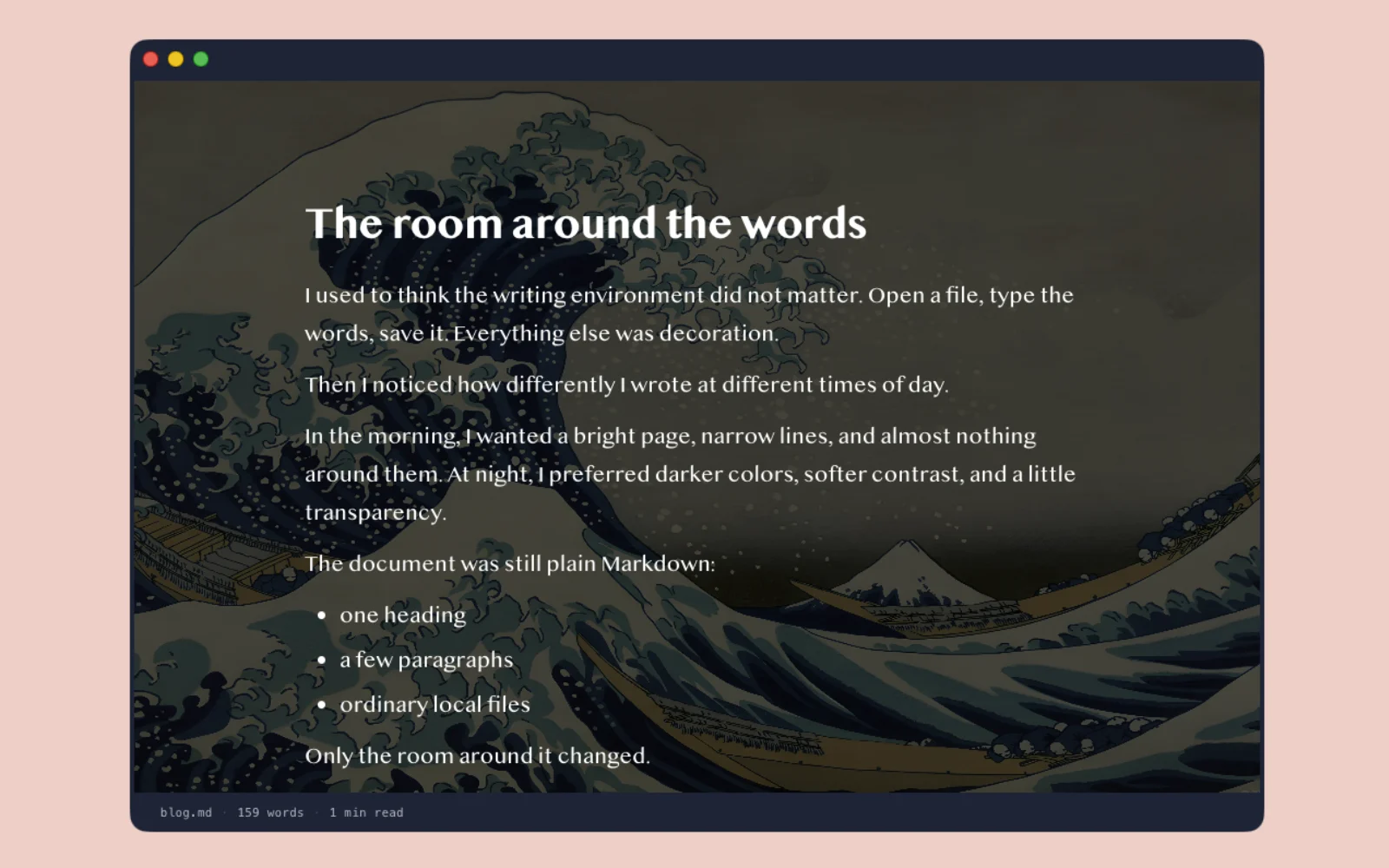
  • didn't know about that, but when I looked around, most of them were paid and just didn't really scratch the itch. this really starte as a simple editor for writing blog posts
  • Probably a lot of both.

    Writing is also a deeply personal exercise for many, and I can say from personal experience that the environment I write in, from the room/place I'm in to the color scheme of my editor, really matters sometimes.

    I haven't found a need to build my own editor, but I can see how someone else would.

  • yeah, it's easier to made them now then before.

    I've made myself two editors recently:

    https://wander.md - WYSIWYG editor that works on mac, iphone and iPad and has semantic versioning backend in.

    https://original.me - fully native macOS editor that uses Apple Notes as backend.

    those are ver interesting to build, but also way more possible. I think it would have take me years before.

  • In recent years, I've written two!

    I wrote my own wiki to use as a personal knowledge base to replace Dokuwiki because I wanted a simpler Markdown-based solution written in Python. I started it during the pandemic times and all of the code in there to date was written by hand. All of it was pretty easy except the CSS/layout parts which I'm just not very good at. It took months of free time to get it where I wanted.

    I also recently created a day-to-day notes and daily planner app that's basically a bunch of markdown notes. I spent about a week of free time defining the problem, setting constraints, and refining with an LLM that wrote almost all of the code for me. I've been using it for months and it's working great.

    The wiki uses Markdown because I browse it just as often as I edit and I appreciate some modicum of basic formatting. The daily notes app doesn't really _have_ to use markdown, I've just gotten accustomed to writing Markdown pretty much everywhere.

    (These are on github, but I'm not posting the links here because I don't want to or care about promoting them.)

  • I suspect it's because there's a flood of people writing / looking at MD docs that never did before and want better tooling than is readily known to exist.

    I think we're going to see a lot of dev-related tooling that traditional developers would scratch their head and think... who could this possibly be for, and why would anyone spend time making this...

    And it's just because there's an entirely new class of people doing this kind of thing now.

  • I always have a hard time understanding why anyone would want a dedicated markdown editor in the first place.

    Obviously I am not the intended audience for them, but for me markdown is a fundamentally plain text format, Make nice looking plain text, and if you keep to certain well known patterns, you get a chance to run it through a typeset engine. Most of the point being the plain text. If the point were the typeset document, I would pick a better language.

    As such, the ideal markdown editor is a text editor.

  • It's because it's effectively impossible to make a markdown authoring app that meets everyone's needs, and people tend to be picky about what they want in a writing environment. People have strong preferences about WYSIWYG, flavor of markdown (pandoc/quarto/GFM/etc), theming support, some want notes to be able to link to each other, etc. As an example, I require math notation support for basically everything I write which automatically rules out 90% of markdown editors for me.
  • I've started getting warnings from MacDown about how it'll stop working soon because Rosetta or something. I like the side by side view, but sadly this isn't that.

    edit: Oh, electron?!

  • That's the app I'm looking for a direct replacement for as well.
  • Yeah, it's an electron app. Is it causing a "not good" feeling on its own, or do you have another suggestion?
  • There's a newer MacDown--MacDown 3000 [1]. It's a universal binary, so it'll keep running once Rosetta goes away.

    [1]: https://macdown.app

  • There are a ton, there is Typora (paid) and there is https://github.com/joelbqz/writer-computer (Tauri)

    But Macdown is a universal binary? https://github.com/schuyler/macdown3000 So it should just keep working

  • How does this compare to Typora? That's the leader in this market as far as I can tell.
  • Paying Typora user here, and wondering the same.
  • Aside: The Typora website is horrible on mobile.
  • much worse than Typora. this is a very basic markdown editor for writing blog posts in "minimalist" space. and it's just free
  • The is refreshing. There are so many writing tools adding AI features and collaboration and everything else that a focused Markdown editor almost feels unusual now. I want to know what made you decide to keep it intentionally focused instead of turning it into a more feature-heavy editor.
  • Electron? No thanks.
  • Especially if it's not even cross-platform...
  • Not to be banging the same drum - but with AI it's so much easier to write a native app. No need for electron app esp. in the days when RAM costs more than a used car.
  • Are markdown editors the new todo list app?

    There so many of them published, and probably thousands more that are someone's introduction to coding and just sitting is a github rotting away.

  • I've been looking for a markdown editor that let's me print the rendered view and have yet to find one. Which is quite surprising given how many there are. I just use my own webapp for now, should probably open source it in case anyone else is looking for this functionality.

    If you know of a nice mac app that let's me easily write / view and print markdown I'd love to hear from you!

  • vscode + pandoc ... work like a charm (incl. side by side preview)
  • Obsidian has a pdf export, but it's overkill for just writing
  • not an app per se, but pandoc is great...