Join the discussion
Write your take first — we'll ask for email only when you're ready to publish.
- Hacker News
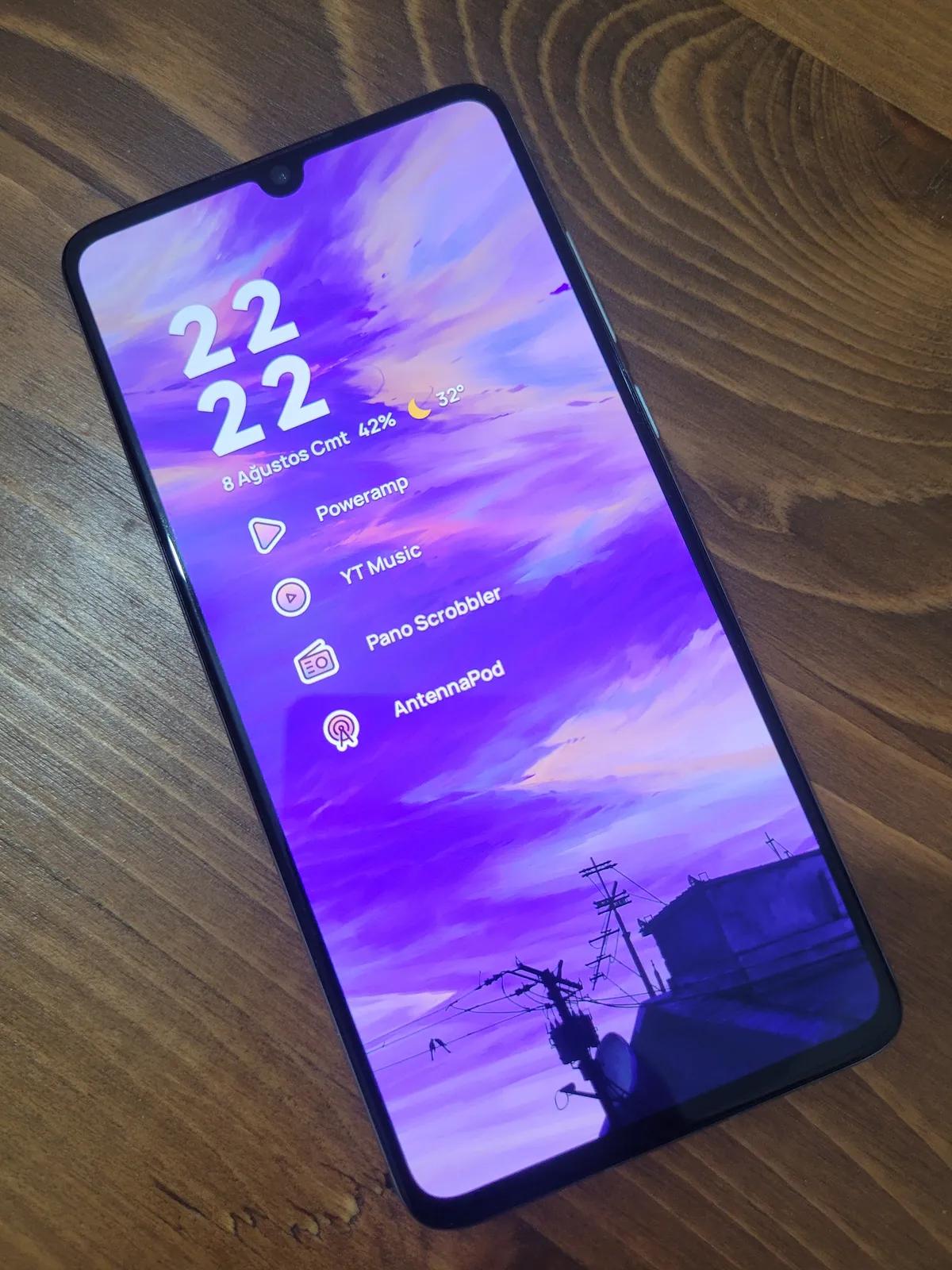
- I’m not quite sure what the point of this article is. Removed some apps and installed a music player on an old phone?by bdavbdav
- I just use VLC but I just play long sets not individual tracks
Now if Winamp was available for Android so I could use the Enhancer plugin...
https://winampplugins.co.uk/enhancer/enhancer.html
I've never found a sound processor that can make music sound so amazing somehow
by ck2 - I wonder does anyone here do the whole music piracy pipeline (e.g. downloading torrent -> cue splitting -> converting to lossy) entirely on their phone?
I personally find it more convenient to do that on my computer and then `adb push --sync` the PC music directory to the phone, but I'm curious what are other people's setups
by jiffygist - PowerAmp is an incredible app, used it and loved it before. I have a self-hosted streaming setup, so I've personally found Symfonium (1) to be my go-to. I'm glad things worked out for the author with this setup, and honestly the headphone jack is a sight for sore eyes.by totallygeeky
- The author is using PowerAmp.
I am using AIMP. I was specifically looking for apps with downloadable APKs for sideloading. I can't use the Play Store because I don't have a google account. Looks like PowerAmp also has an APK.
by fhdkweig - I did a lot of research in this field and additionally in audiobooks.
While I still think that the iPod Nano 7 is the perfect device for me, I recently got my hands on a HiBy R1. For 60 bucks it is a remarkable non Android device (in fact it is buildroot based with a publicly available toolchain and a modding community). I have to prepare for my iPod nano collection slowly dying over the next years.
I also use an old Android GrapheneOS phone (Pixel 4a) along with some apps as a backup:
Navidrome backend even supports smart playlists while Substreamer App supports Offline Sync, this is very handy to use.Substreamer APP (cross platform) DSub Navidrome (Backend) Audiobookshelf (Backend) Prologue (iOS) Voice (Android, Paul Woitaschek)My workflow is:
Works pretty well and after the ripping step pretty much full auto. The only reason i still prefer iPod Nano 7 over Android is the limited remote of my cable headphones (longpress is not detected on Android) and the near flawless UX.1. Obtaining Audio CDs (cheap, high quality) 2. Ripping flac with EAC [1] 3. Tagging with beets music organizer 4. Convert inplace to mp3 v1 with beets 4b. Archive the flac (on disk and bluray) 5. Add to navidrome 6. Star / rate in navidrome 7. use a smart playlist to sync top titles and New Albums offline 8. use a shell script to download to USB for my old car without Bluetooth1: https://pilabor.com/blog/2022/10/audio-cd-ripping-hardware/
by sandreas - Kinda bizarre to see much ado over what's ultimately just installing a music app. The concept of an edge to edge screen with a notch being an "old android phone" is also very bizarre. (that's before even getting into specs and the fact that this was a flagship phone so this is not "slumming it up" by any means, cause it's not a situation dealing with a truly old or weak phone either. like, there's genuinely no hardship there to overcome, besides shitty rom situation)
It's like a preview of some future generations idea of "old tech" and "accomplishing something". Ooh installing some apks. Using two phones, groundbreaking. (with such revelations as, using another phone with a 3500 mAh battery would save battery on some other phone likely with its own 4-5k mAh battery. great stuff.) And there could be a neat and useful writeup about using any and all kinds of phones as 'just a music player' or some other kind of focused device (some older phones may still have pretty good cameras), but this is just barely even instructive at all
by pxoe - >"for the debloating i used xda forums. they have a lot of forum posts about what is safe to remove from any device but as always be careful. don't try to remove gpu drivers or something"
Suggestion: Use the Universal Android Debloater
https://github.com/Universal-Debloater-Alliance/universal-an...
by hnburnsy