
Join the discussion
Write your take first — we'll ask for email only when you're ready to publish.
- Hacker News
- I think the issue comes from the practice of always running "git add ." from the cli. As a git gui user [1], I see exactly what files I stage, so this is a non-issue.
Also, the .gitignore file can document what files you are supposed to have in your project and where they come from
[1]: I'm currently a happy Fork user after having tried Sublime Merge, Git Kraken and lazygit.
by vanyle - `git add -p` is your friend to avoid adding unintended files/changes.by Lindby
- What does that do, add already tracked files only?by eterm
- - or you could stop scratching your head so hard and actually use the gitignore templates for every programming language officially recommended by github itself
- https://github.com/github/gitignore
- funny how I did not see a single comment talk about this
by vivzkestrel - I like https://www.toptal.com/developers/gitignore because I can mix programming language files with OS onesby buzzy_hacker
- I don't like them, because they contain all sort of crap, that never even enters my projects, but they don't include things they should include, like the silly ".vscode" folder so many people commit without thinking. Also usually using these templates one avoids thinking and knowing what is ignored, until one accidentally commits something special to the project and boom, creating a huge hassle.by zelphirkalt
- In my experience these templates don't cover enough and are always faulty. Not only that, most real-world projects use many different programming languages and markup languages.by 13415
- These do not include os generated files like his first example, .DS_Store. I do use the templates, but I have a gist that I add to every project of os generated files that may work themselves in.by zarlss43
- Because it's insufficient?
https://github.com/github/gitignore/blob/main/Rust.gitignore for example still falls victim to basically all of the issues specifically called out.
by piker - The problem with this approach (that their first example already demonstrates), is that you'll almost immediately start with a "this type of file is OK" solution, and whether something should go in git doesn't really have a super strong correlation with file type.
It hobbles `git status` and essentially forces you to keep track of what you've changed yourself (since ignored files won't show up there), and it can instill a false sense of security that `git add .` is safe when it might not be.
by ryanbrunner - I use alint [0][1] to define and enforce rules about files/globs that should or shouldn't be committed, among other things. You can configure it run as a pre-commit hook or in CI.
(disclaimer - this is my own tool)
[0] https://github.com/asamarts/alint
[1] https://alint.org/docs/rules/git-hygiene/git_no_denied_paths...
by aleqs - I'm not convinced about ignoring everything, but one of the best changes I ever made to my git workflow was ignoring all dotfiles by default by adding `.*` to ~/.config/git/ignore.
My projects do now have to have a boiler plate of unignoring the common ones (!.gitignore, !.gitattributes, !.github, !.editorconfig, etc), but then I'm free at any point to throw .foo.lang files, or .tmp/.cache dirs, or Claude helpers like .code_analysis.md, or .todos.txt, or whatever in my project without managing the fallout of forgetting to manage the .gitignore. I'm surprised more people don't go this route.
by matthewmc3 - I do the sameby der_gopher
- I normally go with `.*/` -- I find that hidden files are much more likely than hidden directories to be useful.by hansvm
- I have `playground/` in my ignore config, that way I can just create a playground directory for any project and do stuff in thereby flexagoon
- Couldn't you put !.gitignore et al in your global config file?by GranPC
- People need to learn to use .git/info/exclude WAYYY more!
You use Cursor which creates .cursor? Cool! Put it in .git/info/exclude. No need to pollute the project .gitignore with that. .gitignore is for artifacts that arise from the natural building and testing of the software, as well as any scripts in the repo.
by serbuvlad - Interesting!by Alifatisk
- Very security engineer minded approach.
I block every port for VPS, then open one by one. Same approach here with files.
The only downside I see here is, knowing which one to allow. For ports, it's easy, but files can have many different extensions.
Apps/CLIs, etc create files with extensions you never encountered before, which can cause issues.
Other than that, I like the apporach
by yipinwong - Port numbers are convention
A "security engineer minded approach" would be: own what is executed on the box;
by JackSlateur - I like the analogy with ports, I also do the same - ufw deny all :)by der_gopher
- How about just learning to use `git add` correctly? Are you so committed to just slamming `git add -A` all the time? It's not hard to have uncommitted files sitting in your working tree without messing with .gitignore at all.by isityettime
- I don’t ignore by default, but only stage the items I explicitly want.
I can’t tell you how many times I’ve been pairing with someone when they just say “git add .”, I’m always confused by that choice.
I get it, but I’ve seen more problems arise from adding all than being consistently selective. To each their own.
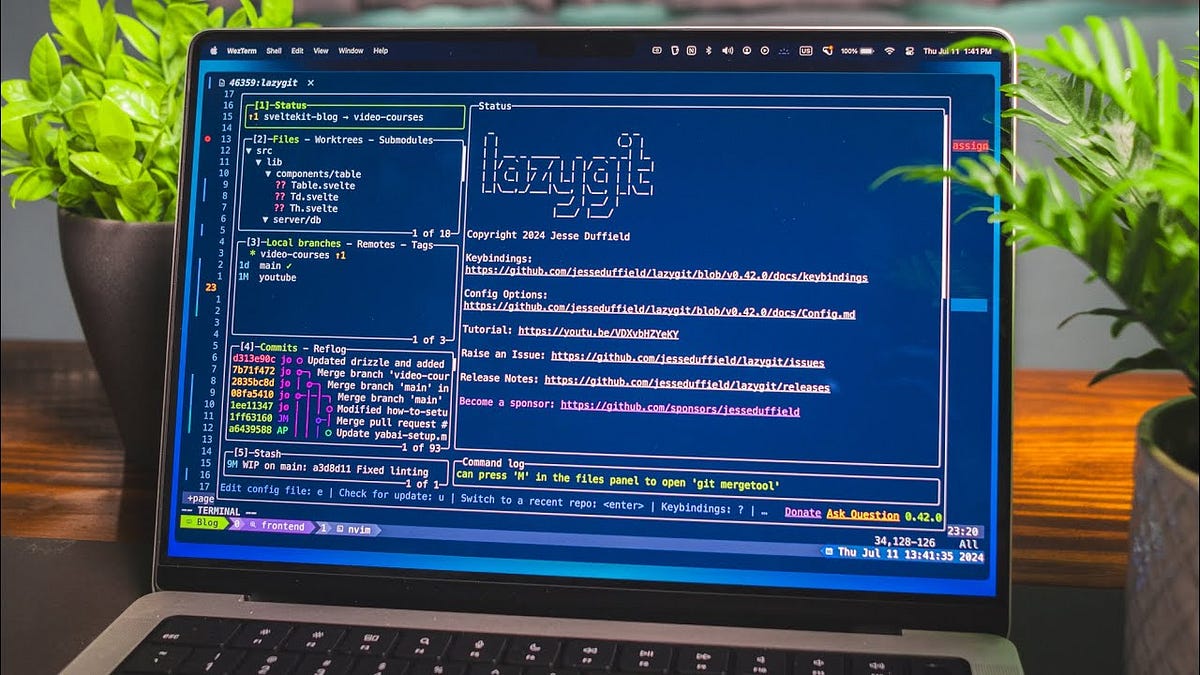
by caseyw - Lazygit[0] is ideal for quickly selecting files or lines you want to include in your commit. There are probably countless others. And `--patch` is also not that hard.by aequitas
- "git add ." ... so annoying to watch people do that, when "git add -u" is right there ... and even when you tell them why it is a bad habit, they continue doing it. I can only assume, that it is due to overly relying on GUI tools for git, that they do not understand this, or due to not having had to switch credentials everywhere due to committed secrets.by zelphirkalt
- In a previous company I worked for my Tech Lead usually do git add -p <file> to be extra cautious with the modifications and do a good self review after when open the pull requestby brunoarueira
- I try to structure my work in such a way that "git add ." is a sensible thing to do. I stashed or committed outstanding changes before starting on this feature, and I did exactly enough work for one commit since then. And the state of the project right now is what I've built and tested, so it's a good candidate to go into version control.
Changes that are needed to get the project to run right in the dev environment, but that should never be committed, are a smell: I move them to config that doesn't get committed.
Increasingly with agents I'm likely working on multiple features in parallel (I haven't adopted git worktrees but I probably should). Even then I try to lay out code so concurrent changes touch disjoint parts of the codebase, so I can do "git add Widgets/FooWidget/" and the ten files modified under there will be the right things to commit.
Maybe 30% of the time I find I have done work that belongs in multiple commits and I need to break it up. Even then I often end up doing "git add -p ." to interactively pick the parts I want to add.
by dmurray - I use "git add ." (or rather -A), but I will always do a "git status" first to make sure I'm not doing something silly. Of course you still have to be careful about subdirectories, which is why I usually also do a "git status" again before committing.by etbebl
- > other junk (CLAUDE.md for example) that shouldn’t be in your repository
How is CLAUDE.md/AGENTS.md "junk that shouldn't be in your repository"? If you're using agents for a project and have some project-specific rules for them, why would you want other people using agents in your repository to not have access to those rules and produce worse code?
by flexagoon - IME people are usually shoving their personal preferences in CLAUDE.md, sometimes automatically as the agent updates the file with that developer's pet peeves.
- Right now at $WORK, CLAUDE.md has a line saying to put one-off scripts in some gitignored place. That's fine if they're not worth checking in (IMO, you should build the tooling which would have made the script easy and check that in, but whatever), but that AI rule doesn't really keep them from being checked in -- developers manually review every line of code and decide what to check in -- that's just somebody deciding they'd rather not have to think so hard when running git add. Which is fine, but it directly conflicts with my preference for all AI-generated files to be plainly visible as a diff or with git status or something. They have a different diffing strategy, which is also fine, but that's just a dev's personal preference encoded in a whole-team doc.
- Or, I have a prompt I use to encourage higher quality code before I have to manually inspect it. It basically says "delete $200 and 1hr." For somewhat obvious reasons, I don't run it on every piece of code the AI shits out. I make it available in the project for people who want to use it, but I don't even want it in my CLAUDE.md, much less the team's.
- Similarly with whether to use git for checkpointing. I prefer to check the AIs output at each step. A colleague prefers to have it save its progress using git in 30+ commits on a side branch and then check them all at once. One of those workflows was in CLAUDE.md and absolutely is not anymore -- it's quite appropriate for a single developer's AI settings, but not for the team as a whole.
Those settings files are a lot closer to .vscode directories or other dev-specific editor configuration. Project-specific information should be exposed differently.
by hansvm